Visual rule explanations
Use clear diagrams and driving scenes to make signs, signals, and right-of-way rules easier to remember.
A GRDTEK driving study app
Prepare for the South Carolina driver license knowledge test with focused practice in road signs, right of way, safe driving rules, parking, and legal responsibilities. Built for practical review on iPhone and iPad.
Built to help learners review clearly, practice confidently, and walk into the South Carolina permit test better prepared.

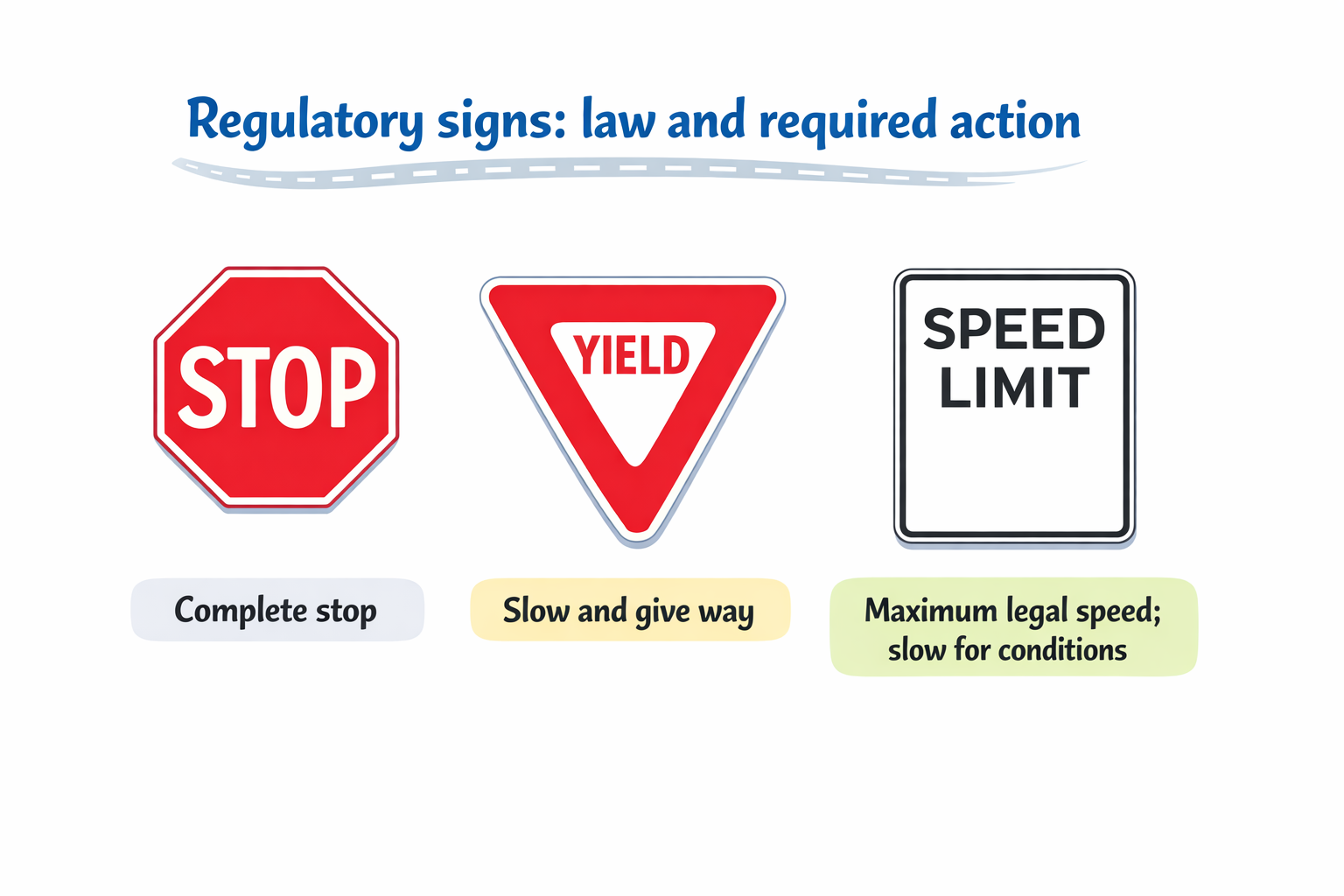
Use clear diagrams and driving scenes to make signs, signals, and right-of-way rules easier to remember.
Practice the situations learners need to think through before the South Carolina knowledge test.
Review a topic, answer questions, and move into exam practice from the same app on iPhone or iPad.
South Carolina Drivers License is organized around the topics learners commonly review for South Carolina permit and driver knowledge tests, including signs and signals, right of way, rules of the road, special driving situations, safe driving practices, parking, and driver responsibilities. Use the app alongside South Carolina DMV materials for state-specific review.
The goal is straightforward review: understand the rule, see it applied, and build confidence before test day.
The driving review flow includes targeted practice for:
The app is built to keep driving prep practical. Students can move from focused explanation into guided questions, independent practice, and exam review without losing the thread of what they are trying to learn.
View learning visualsStart with signs, right of way, lane choice, or another South Carolina driving topic that needs attention.
Use visual explainers and examples to connect the written rule with an actual driving situation.
Answer guided and apply questions that reinforce how the rule works in context.
Finish with knowledge-test style practice to build readiness for the South Carolina exam.
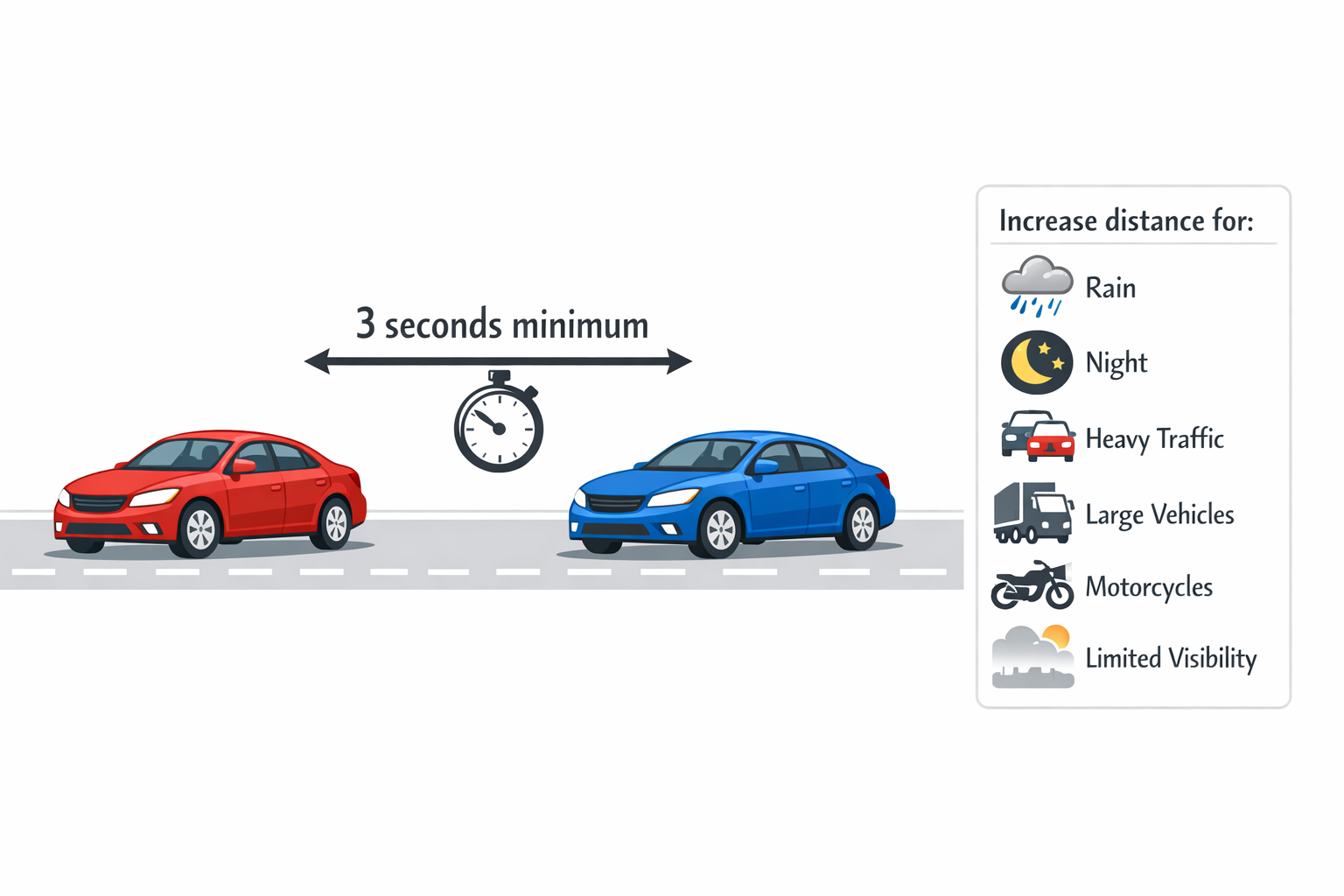
This app is built to make South Carolina permit and driver license study more approachable, more visual, and easier to keep moving through.
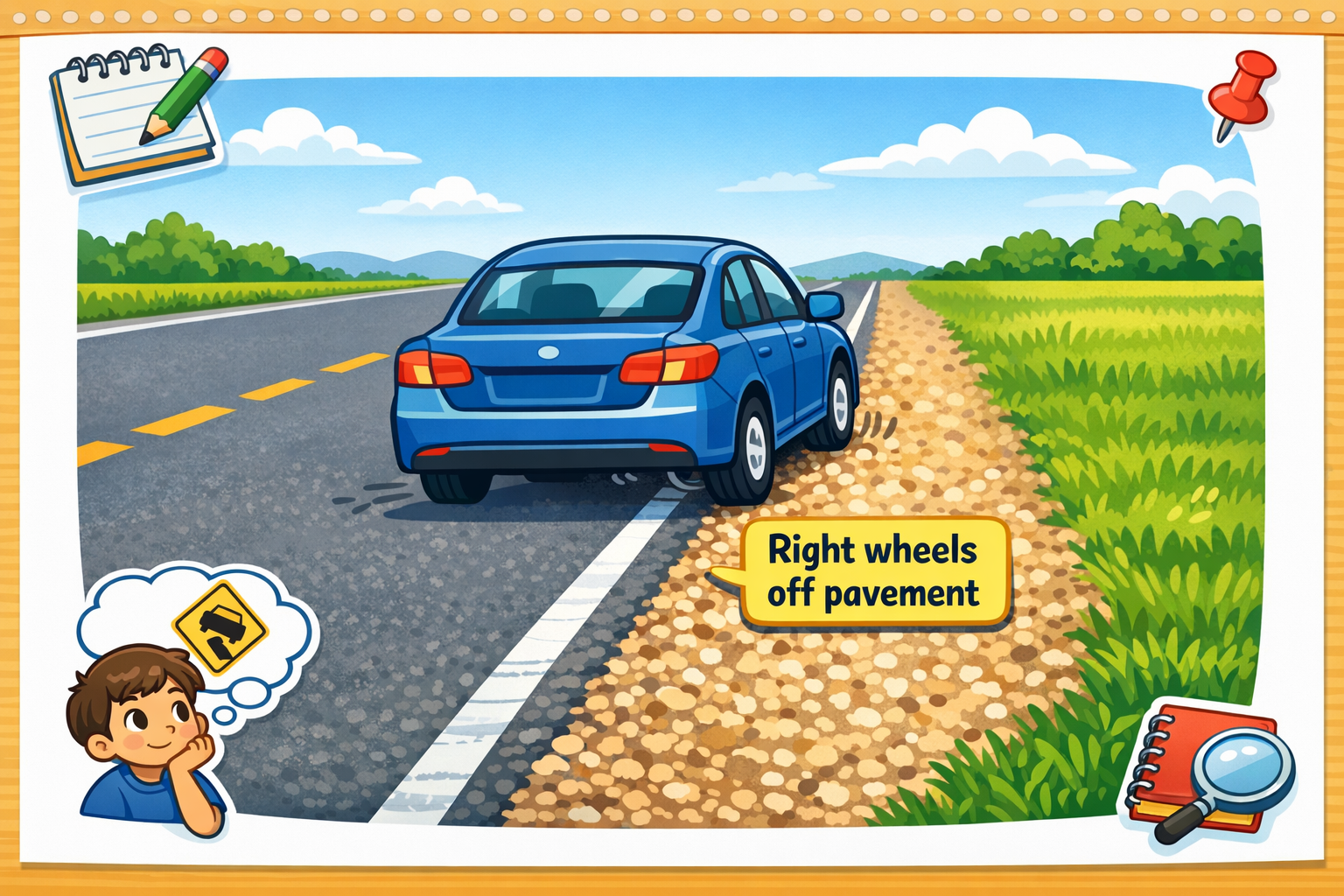
Examples of the shared driving-study visual style for South Carolina Drivers License.
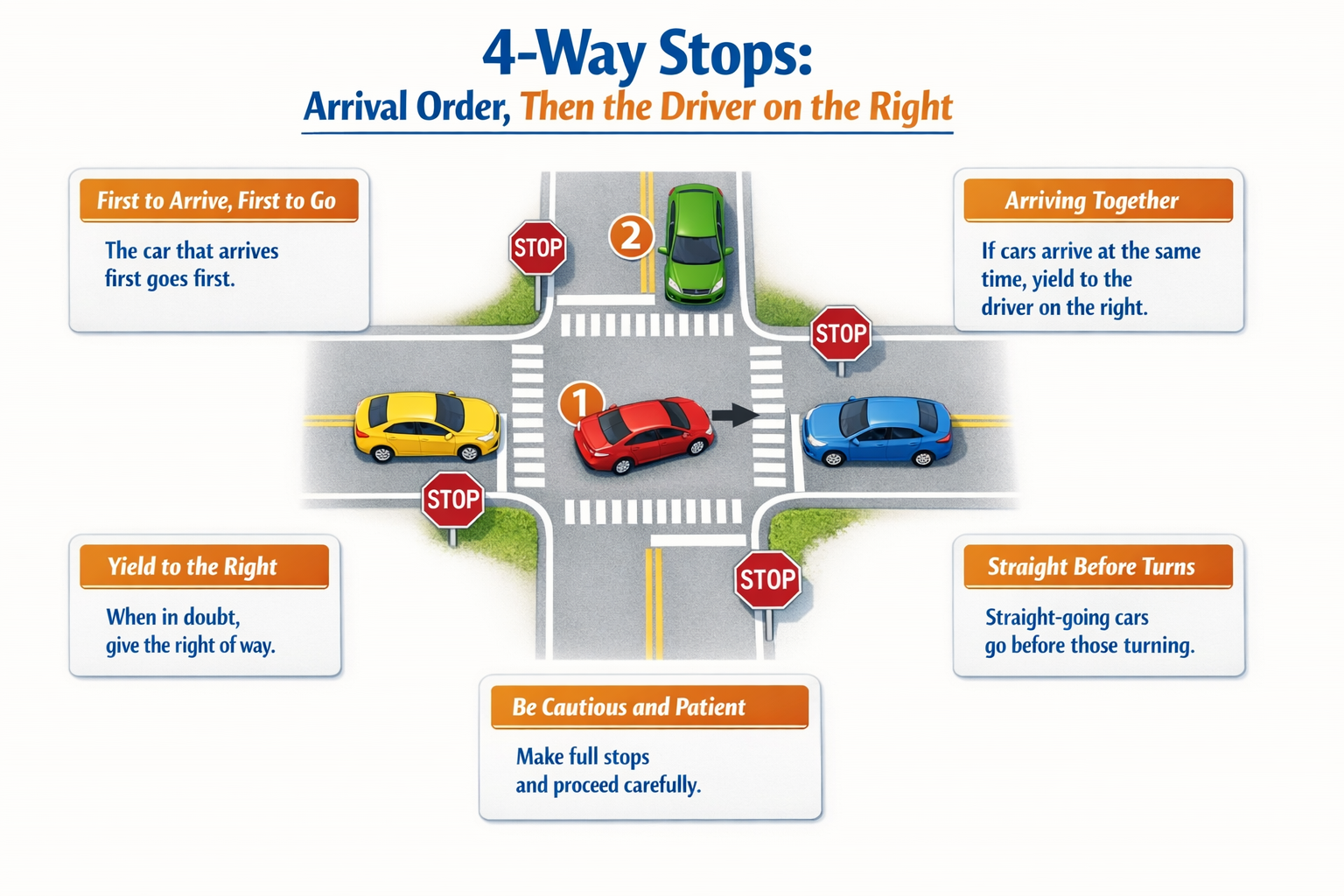
After topic-by-topic study, learners can move into South Carolina driver knowledge practice and use the results to decide what to revisit next.
Move from rule review into test-style practice without switching tools or losing context.
South Carolina Drivers License focuses on signs, signals, right of way, rules of the road, safe driving, parking, and South Carolina driver knowledge review.
Yes. The app is designed to help learners review the knowledge and decision-making topics that matter for South Carolina written test preparation.
Yes. South Carolina Drivers License is designed for mobile study so learners can review South Carolina driving topics on iPhone or iPad.
Review the rules, practice the scenarios, and use mobile exam prep to build confidence before the South Carolina knowledge test.
App Store link coming soon.